See exactly what changed and when
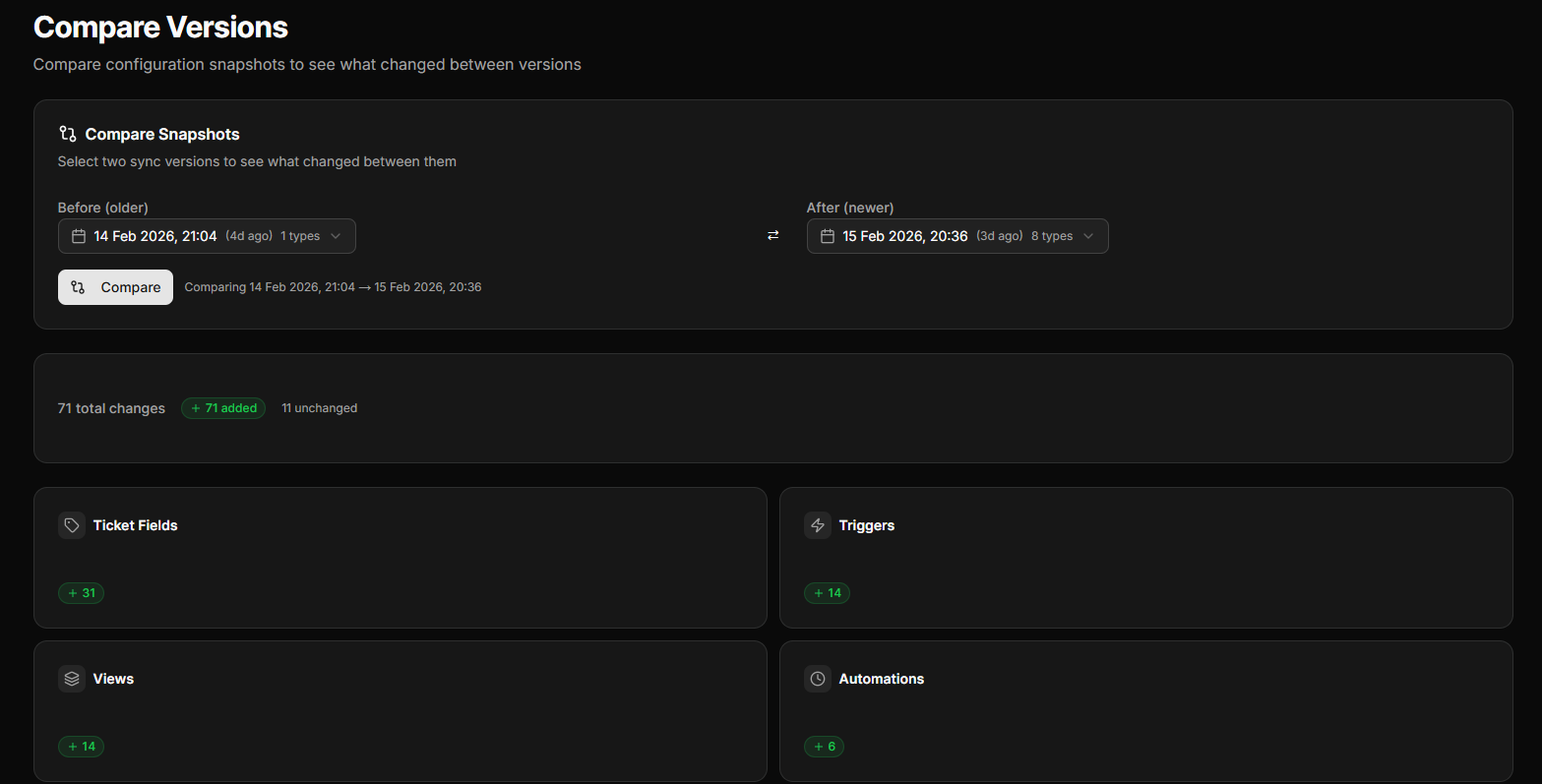
Compare any two snapshots side-by-side. Every trigger modification, every field update, every automation change — tracked and visualised.
The problem
'Something changed in our Zendesk instance and now tickets aren't routing properly.' Sound familiar?
Without version control, there's no audit trail. You can't see what changed, when it changed, or who changed it. You're left manually checking configuration items, comparing notes, and hoping someone remembers what they did last Tuesday.
Configly takes automatic snapshots of your entire configuration, so you can compare any two points in time and see exactly what's different.
How it works
Automatic snapshots
Configly captures your complete Zendesk configuration every time you sync. Every trigger, automation, macro, view, field, and SLA.
Visual diff
Select any two snapshots and see a clear, colour-coded diff. Green for added, red for removed, amber for modified.
Drill into details
Click any changed item to see the full before/after comparison, including individual property changes.
Key capabilities
Full configuration snapshots
Captures 40+ configuration types across triggers, automations, macros, views, fields, SLAs, groups, brands, ticket forms, schedules, custom objects, routing, and more.
Visual diff engine
Colour-coded comparison showing additions, removals, and modifications at a glance.
Property-level detail
See exactly which properties changed within each configuration item.
Version history
Browse through all historical snapshots — never lose track of a change.
Cross-type visibility
See changes across all configuration types in a single view.
Export-ready
Diff reports suitable for audit documentation and compliance.
Ready to track every change?
14-day free trial. No credit card required.
Start Free Trial